
proxmox
Home Assistant - Better Proxmox Monitoring with InfluxDB
In this post I will show how I used the External Metric Server feature in Proxmox to set up the best possible integration between Proxmox and Home Assistant.

proxmox
In this post I will show how I used the External Metric Server feature in Proxmox to set up the best possible integration between Proxmox and Home Assistant.
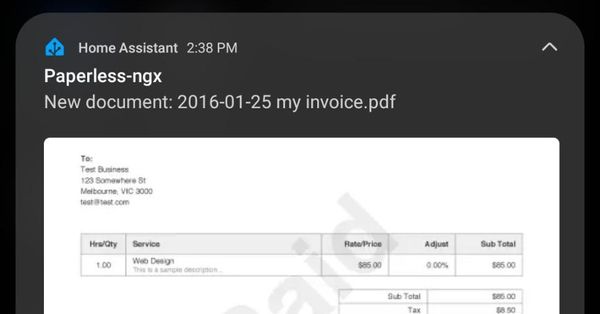
paperless-ngx
Here is a guide on how I set up mobile push notifications to my android phone whenever a document is consumed in paperless-ngx.
home-assistant
In this post I will share an easy way to add real-time camera snapshots to your Home Assistant push notifications. This is a great way to level up your push notifications, allowing you to actually see what is happening at the instant a notification was pushed.
blue-iris
Today I am sharing my setup for a fully offline video doorbell in Home Assistant. The camera, motion sensor, and doorbell are all integrated over local IP.
home-assistant
In this post, I will show how I greatly improved the performance of my Blue Iris cameras in Home Assistant. Rather than using the camera component, I am using iframes to directly embed the UI3 interface into Lovelace.
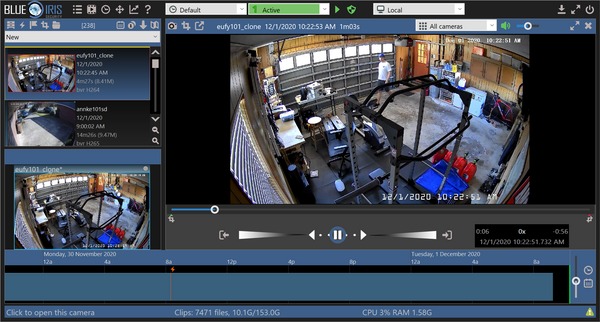
last-watch-ai
In this post I will walk through setting up Last Watch AI to process motion events from Blue Iris. I will show how to feed motion alerts from BI into Last Watch, and how to trigger recordings in BI if certain objects are detected.
home-assistant
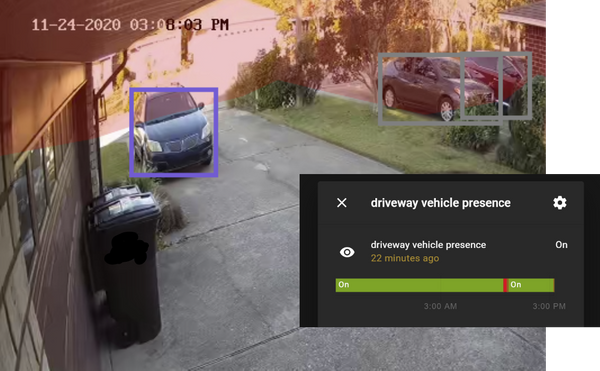
This guide will show how to set up a vehicle presence sensor in Home Assistant using some key new features in Last Watch. In this example, I have a camera set up on my driveway running on Blue Iris. By using two detection profiles in Last Watch, I was able
home-automation
The preferred method to install Last Watch on Ubuntu is directly from the source code. Installing from source makes it much easier to upgrade in the future by just pulling the latest code and rebuilding. Alternatively, you can install using the official releases. For a full walkthrough on setting up
home-automation
This guide will introduce the key concepts and features of Last Watch by walking through a very basic setup. More advanced features will also be introduced at the end of this guide. If you have not installed Last Watch yet, please refer to the setup guide. 1. Detection Profiles The
home-automation
Last Watch is an all-in-one tool for creating If-Then automations based on AI computer vision.

home-automation
Here is a quick helper for Node-RED to fetch the Home Assistant user who triggered a state change...
home-assistant
In this post I will share how I set up push notifications for my home security camera by integrating Home Assistant with Blue Iris. Motion events from the camera are filtered by locally-processed computer vision so that alerts are only generated by objects such as cars or people. I will